
Honestly, dropping nearly a hundred bucks year after year on Microsoft 365 just to type out basic notes or tinker with a simple spreadsheet feels like getting hit with an annoying recurring tax. Naturally, people start looking around for alternatives — and WPS usually pops up first since it looks so much like Word and handles PDF files without asking for a credit card up front.
Sounds like an easy call on paper, right? But once you actually install it and look past the tidy menus, things get murky real quick. Billing disputes, corporate headquarters over in Beijing, plus that whole 2022 cloud file-scanning mess — it adds up to a bunch of trade-offs that standard review sites usually gloss over.
Here's a raw breakdown of where the app holds up, where it falls apart, and whether skipping the Microsoft tax is actually worth the hassle.
See What WPS Office Actually Offers
What WPS Office Actually Offers (and What It Costs)
First off, installing WPS doesn't clutter your desktop with four separate software icons. Everything runs out of one central window using tabs, kind of like your web browser.
The main tools inside:
- Writer handles .docx files.
- Spreadsheets work on .xlsx sheets.
- Slides open .pptx decks.
- PDF handles reading, quick markup, and file exports.
On top of that, they tossed in an AI helper — it drafts paragraphs, turns raw bullet points into slides, and runs quick translations.
| Plan | Cost (USD) | Core Features |
|---|---|---|
| Free | $0 | Basic editing, 1GB cloud, PDF viewer, ad-supported |
| WPS Pro | $35.99/year ($2.99/mo) | Advanced PDF editing, OCR, 20GB cloud, no ads |
| WPS AI | $119.88/year ($9.99/mo) | AI writer, AI slides, translation, document chat |
| WPS Pro + AI | $129.99/year ($10.83/mo) | Full Pro suite + all AI features bundled |
Look, the free plan gets basic document typing done, fine. But the second you try editing a PDF or using AI, you hit a paywall fast.
Want to check the tiers yourself? Take a look at WPS Pro pricing options or see how it stacks up against standard Microsoft 365 costs.
Where WPS Office Shines
The Interface Advantage
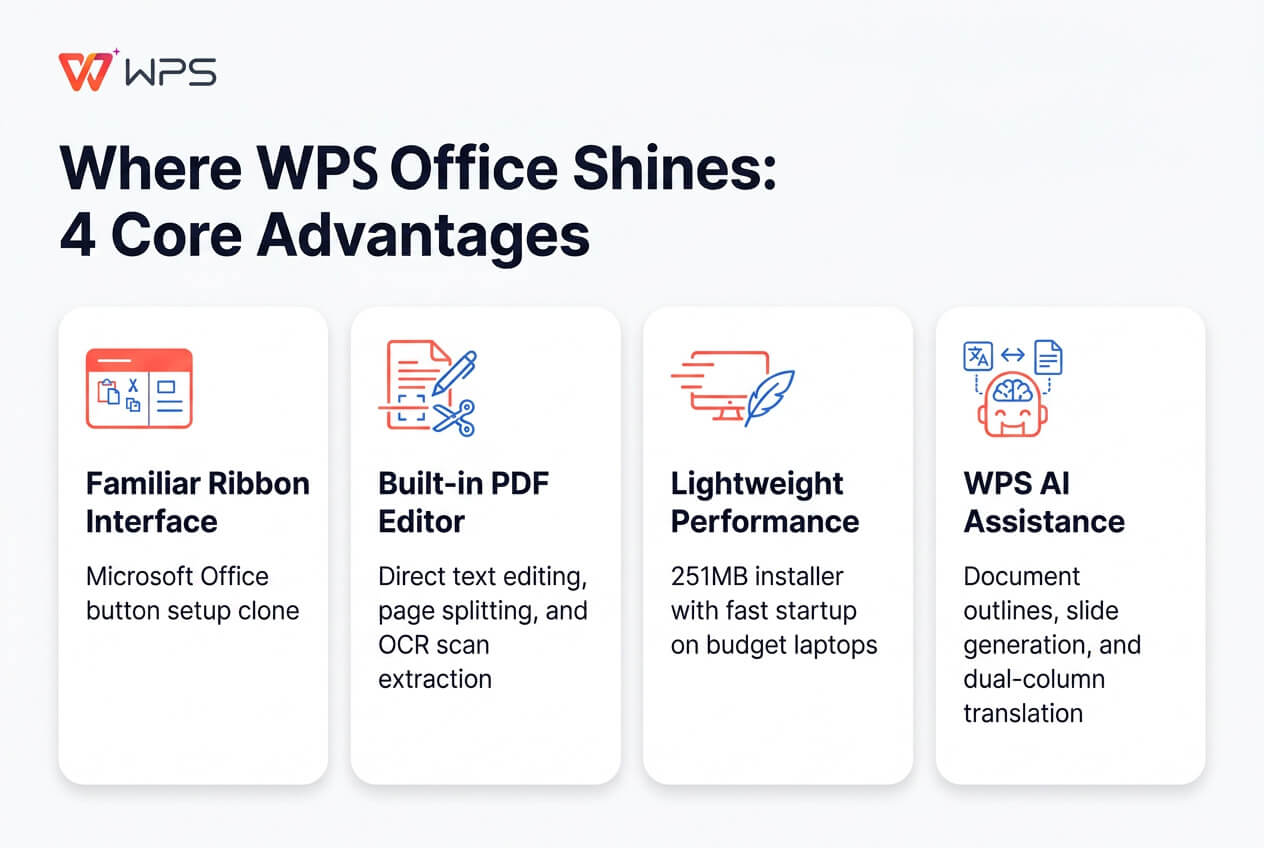
If you've spent any time working inside Microsoft Office over the past decade, opening WPS won't confuse you at all. The button rows, top tabs, even keyboard shortcuts imitate Microsoft's ribbon setup almost pixel for pixel. You won't be sitting there lost for twenty minutes trying to figure out where margin adjustments or line spacing options went.
PDF Editing That Surprises
Most bundled office suites barely handle PDFs, they just give you a plain viewer and call it a day. WPS treats them like actual editable files. Buy into the Pro plan, and you can jump right inside a PDF to fix typos, split pages apart, run OCR text extraction on old scans, or dump the whole file into an editable Word doc. For a lot of people, that means completely canceling a standalone Adobe Acrobat subscription.
Light on Your System
Microsoft 365 is a storage hog that can easily bog down an old machine. The WPS installer sits around 251 MB, starts up almost instantly, doesn't eat up your memory, and works surprisingly fine on cheap budget laptops that usually choke on heavier software.
The AI Tools Actually Work
I went in expecting gimmick features, but WPS AI is surprisingly usable. It can whip up document outlines in seconds, convert messy bulleted notes into fully formatted presentation slides, and translate long documents into dual side-by-side columns without ruining page margins.
The Free Version Reality Check
What's Included
Downloading the free tier gives you a functional text editor, spreadsheets, slide creation, and basic PDF reading. Plus 1 GB of cloud storage for syncing across your phone and laptop.
What Wears You Down
Nothing is really free, obviously. With WPS Office, you pay in constant frustration.
Ads pop up constantly pushing you to buy Pro. Click on an advanced PDF button by mistake, like adding a digital signature, and a buy window instantly blocks your screen. If you only open WPS once every couple of weeks to print a sheet, whatever. But relying on the free version as a daily workspace will test your patience within a few hours.
The Trust Problem: Privacy, Ownership, and Billing
Okay, here's where we have to talk about stuff beyond software features. WPS works fine as a tool, but the company background is where red flags start popping up.
The China Question
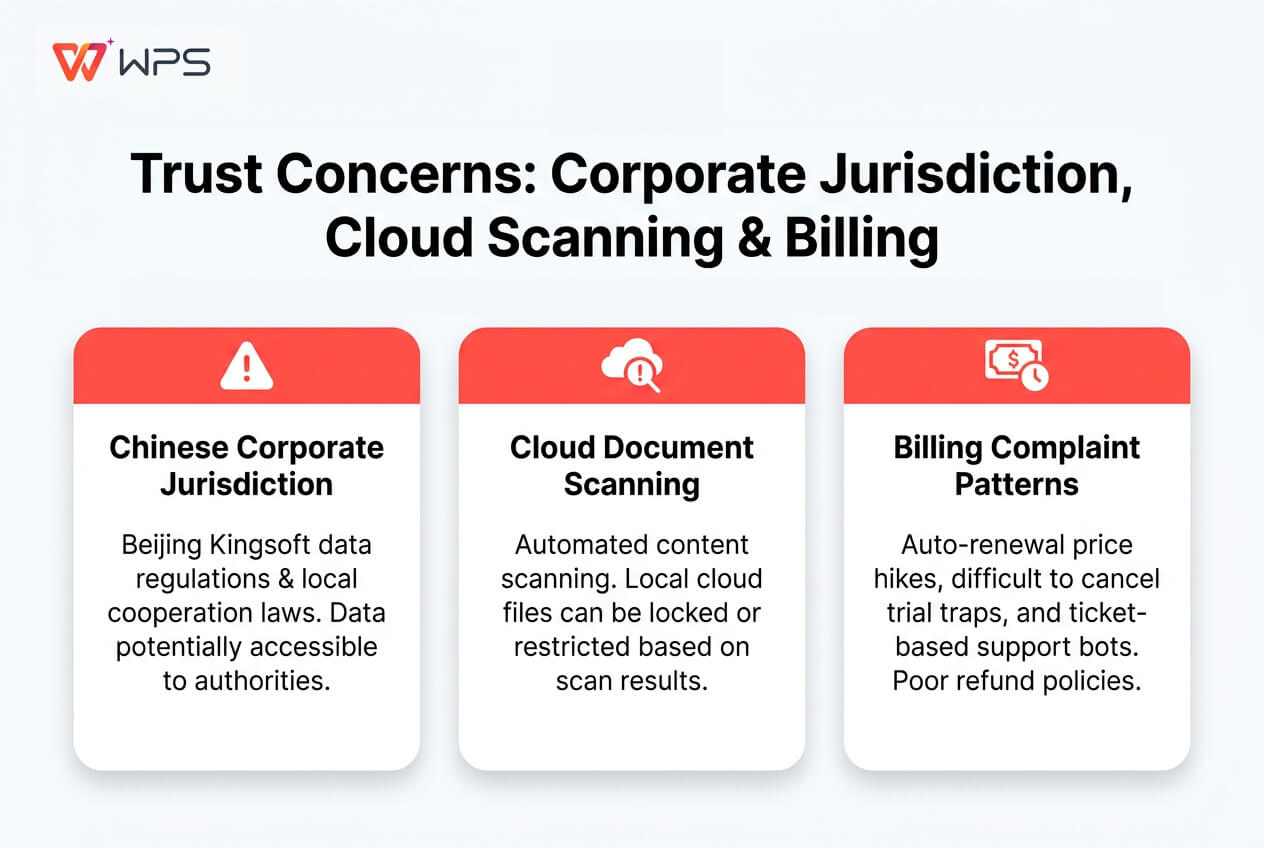
Beijing Kingsoft Office Software builds WPS. They are a massive tech business listed on the Shanghai exchange. Back in early 2021, the US government actually tried banning the software via executive order over data safety concerns. Even though that order eventually got dropped for review, security researchers still point out that Chinese privacy laws force local software companies to cooperate with government data requests if asked.
The Document Scanning Incident
And this isn't just theoretical. In June 2022, a writer in China woke up to find herself completely locked out of a personal manuscript saved locally on her own hard drive. Kingsoft publicly admitted that its cloud scanning software flagged "illegal content" and locked the file to comply with rules set by the Cyberspace Administration of China.
So, even for US users, saving personal docs to WPS Cloud means passing through systems subject to those exact laws.
The Billing Complaint Pattern
Forget national security for a minute, the real day-to-day risk is how they bill you. A quick glance at their 2.0 Trustpilot score shows endless complaints about unexpected credit card charges:
- People sign up for free trials and find themselves charged automatically without clear warning emails.
- Other users report price hikes on auto-renewals, or finding AI add-ons tacked onto their bill without realizing it.
- You end up submitting web tickets to automated bots, which explains why so many user reviews read like pure frustration. This isn't just an occasional glitch; it's a structural customer service issue.
File Compatibility: How Close to Microsoft Office?
The Good
Open up a simple letter or a routine expense tracker, and everything looks surprisingly normal — fonts stay put, margins line up, and standard formulas calculate without throwing errors.
| Feature / Document | Compatibility Level | Potential Issues |
|---|---|---|
| Standard DOCX / PPTX | Excellent (95%+) | Minor font swaps |
| Basic Formulas & Tables | Excellent (95%+) | None in standard uses |
| Advanced Excel Macros | Fair / Poor | VBA scripts break |
| Complex Pivot Tables | Moderate | Custom charts distort |
| Custom Animations | Moderate | Timing delays |
The Gaps
Problems start cropping up as soon as documents get complicated:
- Macros & Automation: Massive Excel workbooks loaded with heavy VBA scripts or external data connections routinely fail or crash.
- Custom Formats: Intricate pivot tables and heavily animated PowerPoint slides can glitch, throwing layout elements out of place.
- Font Swapping: If a document uses specialized Microsoft system fonts that aren't on your device, WPS replaces them with generic fonts — which can mess up paragraph wrapping and alter page counts.
WPS Office vs. the Alternatives: Three Ways to Go
| Suite | Starting Price | PDF Editing | Privacy Standing | Best Fit |
|---|---|---|---|---|
| WPS Office | Free / $35.99 yr | Full Editor (Pro) | Low (Cloud Risk) | Budget Users |
| Microsoft 365 | $69.99/year | Basic Viewer | High | Power Users |
| Google Workspace | Free / $6.00/mo | Very Basic | High | Real-Time Team |
| LibreOffice | 100% Free | Basic Hybrid | Highest (Open) | Privacy First |
- Microsoft 365 ($70–$100/yr) — The default choice if your job requires heavy co-authoring, enterprise IT compliance, or deep integration with Outlook and Teams. You pay real money for it, but you get clear privacy guarantees and actual customer support. WPS offers far better built-in PDF tools at less than half the price, but lacks Microsoft's broader cloud ecosystem.
- Google Workspace (Free–$12/user/month) — Google runs straight inside your web browser, making it unmatched for quick team editing and simple cloud sharing. That said, WPS crushes Google on offline desktop performance and brings significantly stronger PDF editing features to the table.
- LibreOffice (Free) — Totally free, open-source, and maintained by a non-profit foundation. You get zero ads or data tracking, though the menu design feels heavily stuck in the early 2000s and complex Word docs don't always render smoothly.
Still weighing options? Browse our guide to the Best Free Office Suites to see how LibreOffice and Google stack up.
Who Should Pay for WPS Office — and Who Shouldn't
Buy WPS Pro If...
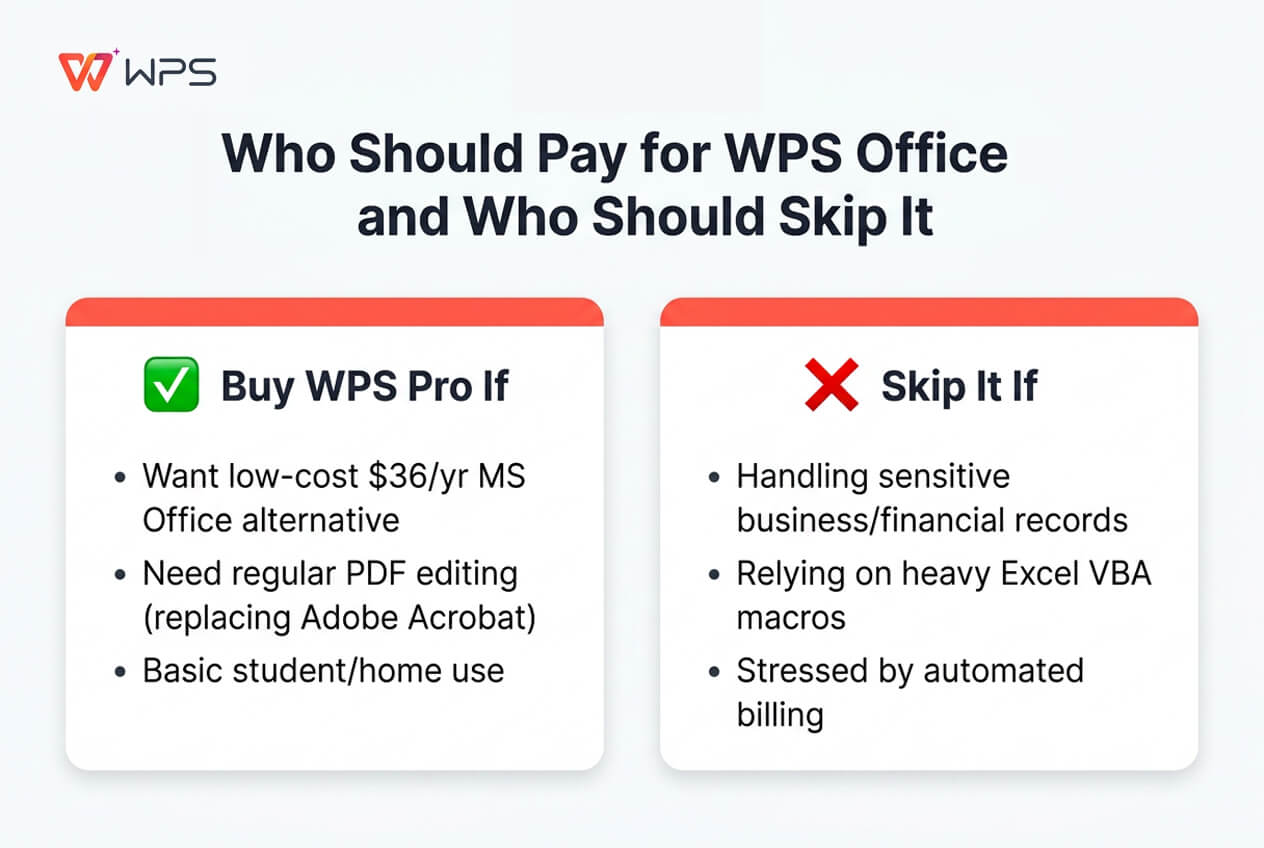
- You want a lightweight, familiar Microsoft Office alternative without paying $70+ every year.
- You edit or convert PDFs regularly and want to cancel an Adobe Acrobat plan.
- You are a student or home user working on basic documents where strict corporate data jurisdiction isn't a dealbreaker.
Skip It If...
- You handle sensitive business records, financial filings, or client tax info that shouldn't sit on cloud servers subject to Chinese regulation.
- Your daily work depends on complex Excel macros, custom pivot tables, or corporate database add-ins.
- You get stressed out easily by auto-renewal charges and ticket-based support bots.
The Free Version Is Enough If...
- You only open documents now and then to print a recipe, update a basic resume, or tweak a monthly budget sheet.
- Closing the occasional ad popup doesn't ruin your day.
Need a second opinion before deciding? Peek at our full Microsoft 365 comparison guide.
Quick Questions People Ask
Can you actually use WPS without paying?
Yes, basic editing is free forever. But you will see ad banners, upgrade popups, and paywalled PDF tools while using it.
Is WPS Office safe to use?
The download itself is clean — no malware or viruses attached. But because Kingsoft operates under Chinese data regulations — and considering that 2022 cloud document lockout — it isn't ideal for highly sensitive files.
Does it open Word and Excel files cleanly?
It handles .docx, .xlsx, and .pptx natively. Regular files open cleanly, but heavy macros or unusual design layers can throw formatting off.
Why is WPS Office so much cheaper than Microsoft?
They keep software overhead low by packaging everything into a single app window, then monetize free users through in-app ads, PDF feature upgrades, and AI subscriptions.
Does WPS Office work offline?
Yes. Writer, Spreadsheets, and Slides run on your computer without an active internet connection. You can stay completely offline unless you need cloud syncing, template downloads, or AI queries.
What's the play if you get hit with double billing?
You have to submit a support ticket on their site and wait. Since there's no phone support, reply to any automated confirmation emails immediately and have screenshot proofs of your charges ready to bring to your bank if support stalls out.