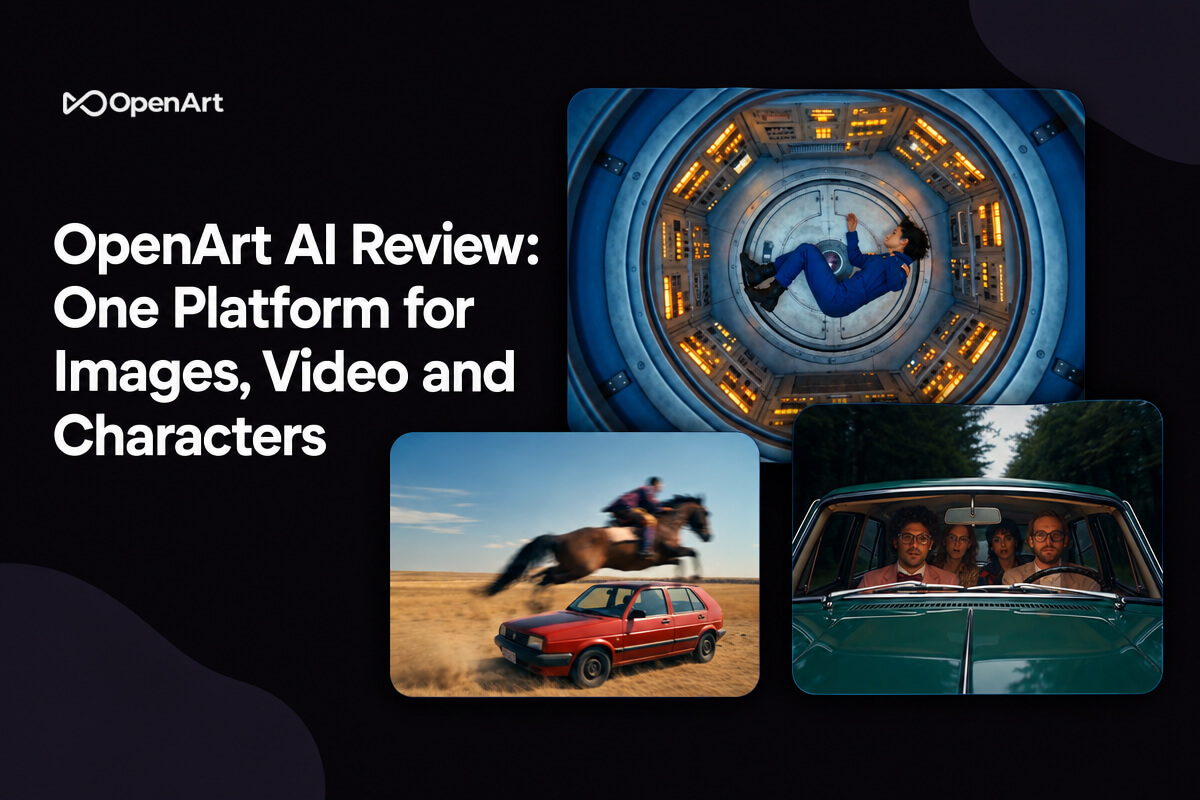
OpenArt puts more than 100 image, video and audio models in one account, so you do not need a separate subscription for each. There is a free trial plan with daily credits, and annual plans are on sale for up to 27% off. It is best for creators who want video and consistent characters, and less ideal if you only need a few images a month.
Is It Really Just One App for Everything?
That is the pitch. OpenArt says it brings images, video, voice, music and editing into one place, with models from Google, OpenAI, ByteDance and others. Its homepage claims it is trusted by more than 8 million creators and lists names like Seedance 2.0, Veo 3, Sora 2, Kling 3.0, GPT Image 2 and Nano Banana Pro.
We cannot test every model in one article. What we can do is show what the tools do, what the plans cost and which discounts are live today. We stuck to OpenArt only.
What Deals Are Live Right Now?
| Offer | Details |
|---|---|
| Free trial plan | Daily credits, no credit card required, per the site FAQ |
| Annual plans | Up to 27% off, shown in a banner on the homepage |
| MiniMax H3 models | Up to 30% off for people who upgrade, until October 4, 11:59 PM PT |
| OpenArt MCP | 10% off listed on Plus, Pro and Wonder plans |
| Extra credits | Optional $15 a month add on for 5,000 credits |
The MiniMax offer ends in two days, so it is the one with a real clock on it.
The Plans, in Plain English
OpenArt shows a crossed out monthly price and a lower annual price per seat. The numbers below are the lower prices, so confirm the monthly or annual toggle on the pricing page before you buy.
| Plan | Price per seat per month | Credits per month | Savings shown |
|---|---|---|---|
| Starter | $13 (was $14) | 4,000 | 10% off |
| Plus | $27 (was $34) | 12,000 | 20% off |
| Pro | $44 (was $56) | 24,000 | 22% off |
| Wonder | $175 (was $240) | 106,000 | 27% off |
Plus, Pro and Wonder list commercial use rights, while Starter does not. If you plan to sell what you make, that line matters. Wonder adds priority support and unlimited creation on some models.
Four Tools Worth Trying First in OpenArt AI
1. Director
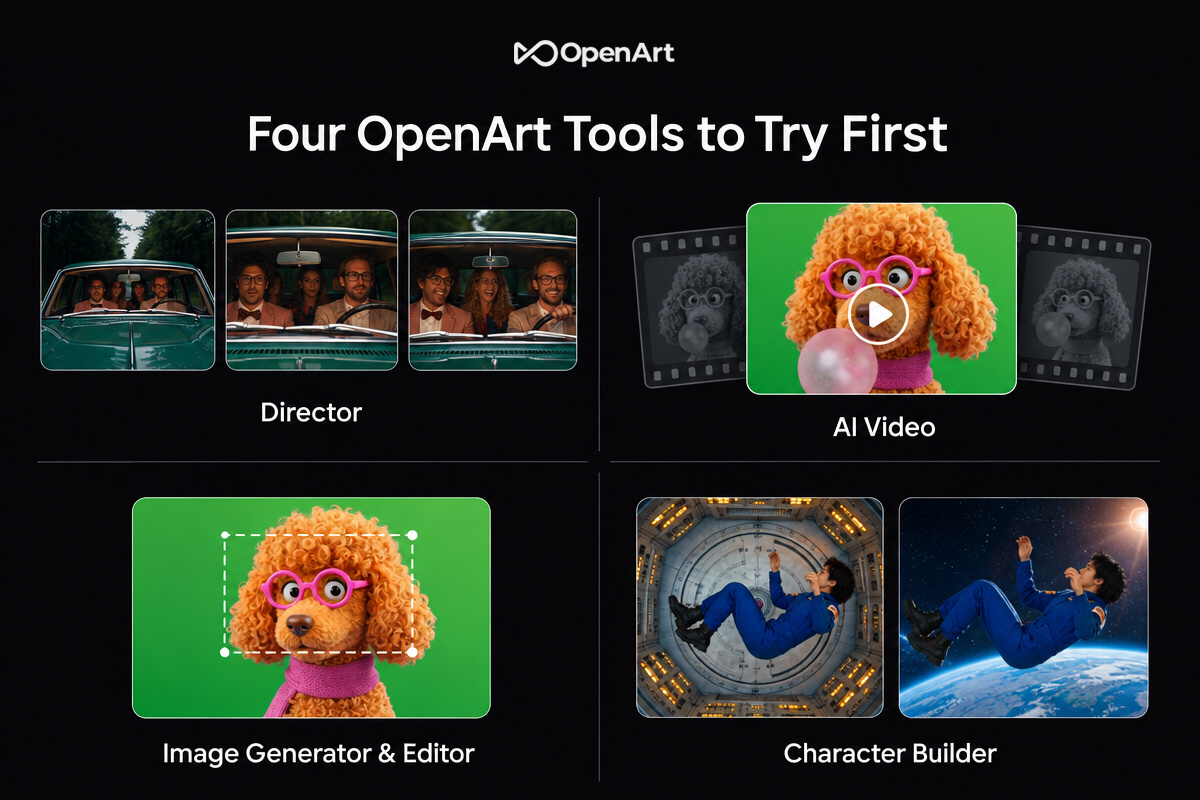
The director lets you "vibe direct" a video by chatting. You lay out a storyboard, shape each shot in plain language and let the AI help refine the sequence. It also has quick start templates for music videos, UGC ads, product ads, short films and more.
This is the tool that makes OpenArt feel different from a simple prompt box.
Best For: Creators who want a full video without learning editing software.
2. AI Video Generator
Type a prompt or drop in a reference image and make a video up to 15 seconds long, in up to 4K. You can switch between models like Veo 3.1, Seedance 2.0, Kling 3.0 Omni or Sora 2 to compare looks.
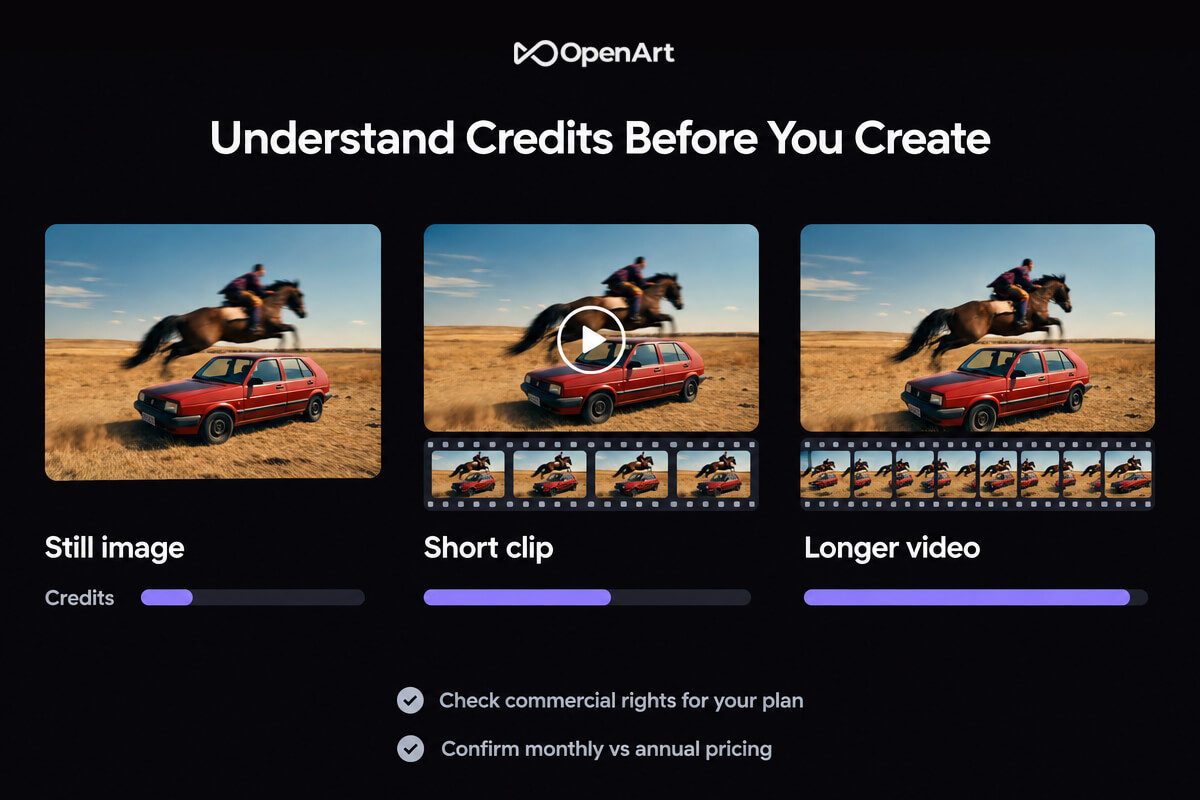
Credits drain faster on video than on images, so watch your balance. Try short clips first before you spend on long ones.
Best For: Social clips, ads and short cinematic shots.
3. AI Image Generator and Editor
Generate with models like GPT Image 2, Nano Banana Pro or Seedream 5.0, then edit in the same canvas. You can erase, expand, swap backgrounds, restyle or upscale to 4K.
Starter lists up to about 4,000 images a month, which is plenty for casual use.
Best For: Designers, marketers and anyone who edits as much as they generate.
4. Character Builder
Build a character from reference images or a text brief, save it to your library, then tag and reuse it. The goal is the same face across images and videos, which has been a hard problem for AI tools.
Best For: Storytellers, brand mascots and AI influencer projects, where the same face has to appear again and again.
The Extras Nobody Mentions
OpenArt also lists smaller tools that can save you time. Smart Shot turns one prompt into three to five cuts with varied angles. Motion Sync lets you upload a short clip and copy its movement onto your character. Camera Angle Control reframes an image from a new angle, and Relight changes the mood of a shot while keeping the people and motion the same.
There is also OpenArt Worlds, which builds a 3D space from a single prompt, and audio tools for voiceovers in 30 plus languages with lip sync, plus music and sound effects. You will not need all of it, but it explains why the platform feels big.
Which Plan Fits Which Person?
Think about how many videos you will make, since that is what burns credits.
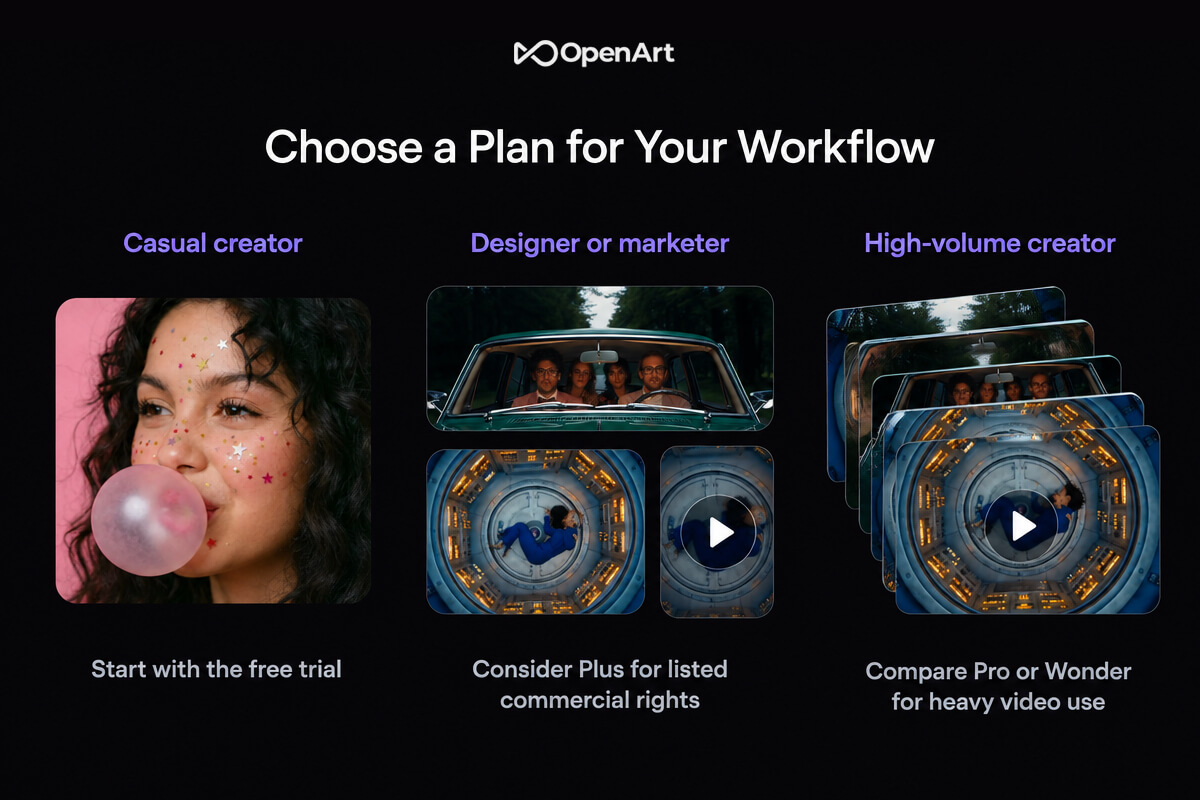
If you are testing the waters, start on the free trial and see how fast your daily credits run out. If you make a few images and a handful of short clips a month, Starter at about 4,000 credits is the low risk step. If you sell your work or run client projects, Plus is the first plan that lists commercial rights, and its 12,000 credits give you room. Pro and Wonder are for heavy users who make videos all week.
OpenArt AI Next to the Other Big Names
| Category | OpenArt | Midjourney | Runway | Leonardo AI |
|---|---|---|---|---|
| Main focus | Images, video, characters, audio in one place | Mostly images | Mostly video | Images, plus video tools |
| Models | 100+ models from many companies | Its own models | Its own models | Its own and other models |
| Character consistency | Character Builder | Check site | Check site | Check site |
| Free option | Free trial plan with daily credits | Check site | Check site | Check site |
Competitor details are general and change often, so check each tool before you decide.
What to Know Before You Pay
- Credits are the real currency. Video eats credits much faster than images, so a plan can feel big or small depending on what you make.
- Rights differ by plan. Commercial use is listed on Plus and above.
- Monthly or annual. Prices change with the toggle, so check before checkout.
- AI output needs review. Always check results for mistakes and for anything that looks too close to a real person or brand.
- Offers expire. The MiniMax discount ends October 4.
Quick Answers
Is OpenArt free?
Yes, in a limited way. OpenArt lists a free trial plan with daily credits and no credit card. Paid plans unlock more models, longer videos and higher quality exports.
Can I use my creations for business?
The FAQ says you own what you create and can use it in ads, social posts and client work. The pricing page lists commercial use rights on Plus and higher plans, so check your plan.
Can I keep the same character across scenes?
Yes. Character Builder is made for that.
Which models can I use?
OpenArt lists Seedream 5.0, Seedance 2.0, Google Veo 3, GPT Image 2, Nano Banana Pro, Sora 2, Kling 3.0, Grok Imagine, MiniMax Hailuo and HappyHorse.
Is my work private?
OpenArt says your creations stay private and payments are handled securely.
Final Verdict
OpenArt is a strong pick if you want many AI models in one place. Start with the free trial, test Director and the video tool, then move to Plus if you need commercial rights. If you only make a few images, the free plan may be enough.