
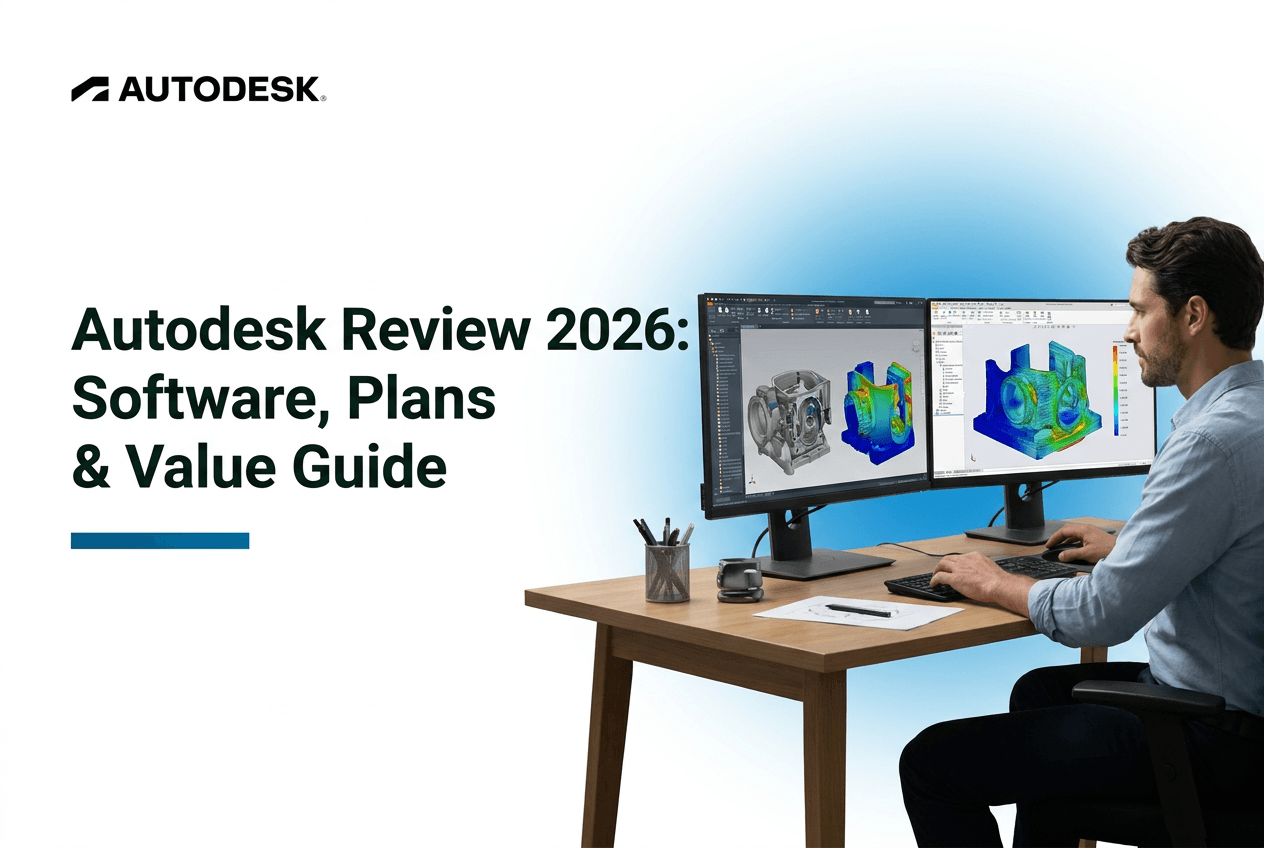
Everyone in design and engineering knows the name Autodesk. That's not really in question. What is in question, and what most reviews skip right past, is whether that recognition is worth the money coming out of your account every month. The company killed off perpetual licenses back in 2016, so there's no "buy it once" option anymore, you are renting, full stop. This review asks the only question that actually matters here: is this software worth your money? Not whether it's powerful. Everyone already knows it's powerful.
Check Current Autodesk Pricing
What Autodesk Offers
A lot of buyers get tangled up here, honestly, thinking AutoCAD does what Revit does, or that Autodesk Fusion and Inventor are basically the same thing. They are not.
The Core Product Lineup
| Product | Best For | Skill Level | Typical Annual Cost |
|---|---|---|---|
| AutoCAD | 2D/3D drafting | Beginner–Intermediate | ~$1,960 |
| Revit | Building information modeling (BIM) | Intermediate | Bundled in AEC Collection |
| Autodesk Fusion | Product design, CAD/CAM/CAE | Beginner–Intermediate | ~$545 |
| Maya | 3D animation | Intermediate–Advanced | Bundled in M&E Collection |
| Inventor | Mechanical design | Intermediate | Bundled in PD&M Collection |
If you need to draft floor plans, AutoCAD. If you are modeling a whole building with materials and systems baked in, that's Revit territory. Product designers and small manufacturers usually land on Autodesk Fusion. Animators go to Maya. Buying the wrong one is a surprisingly common mistake, so check this table twice before you check out.
The Subscription Model
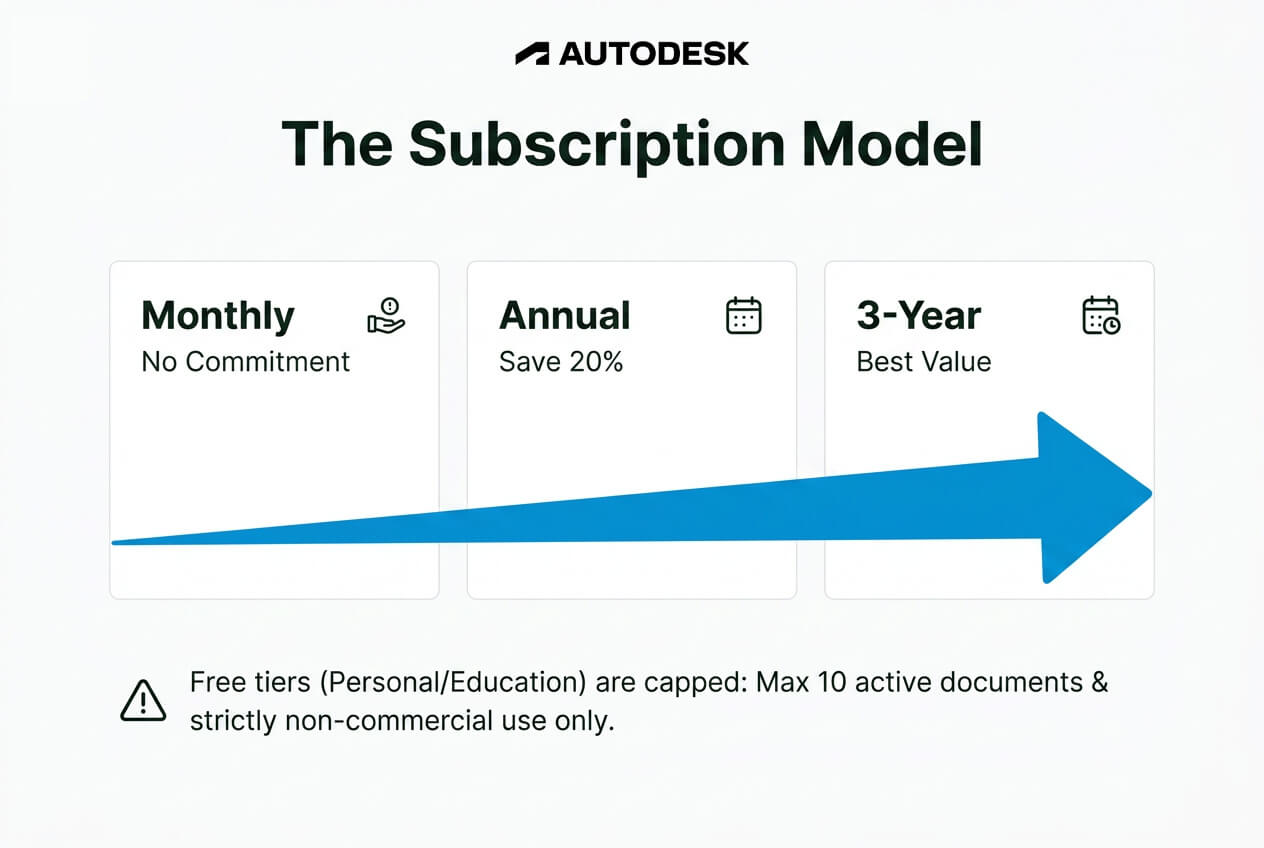
Everything's subscription-only now, monthly, annual, or a 3-year commitment that shaves the price down a bit. There's a free educational license too, but it's strictly non-commercial, use it for paid client work and you are violating the terms, not stretching a loophole. Autodesk Fusion also has a free personal tier, though it's capped, only 10 active documents, no rapid prototyping tools included.
Pricing & Total Cost
This is where the sticker price starts to feel a lot heavier once you actually add it up over a few years.
Plan Tiers Explained
| Product | Monthly | Annual | 3-Year | Best For |
|---|---|---|---|---|
| AutoCAD Standard | ~$245 | ~$1,960 | Discounted rate | Solo drafters, small firms |
| AutoCAD Premium | ~$330 | ~$2,640 | Discounted rate | Firms needing extra tools |
| Autodesk Fusion Commercial | — | ~$545 | Discounted rate | Product designers, small shops |
| Industry Collections | — | ~$2,800–$3,400 | Discounted rate | Multi-discipline teams |
The True Cost Over Time
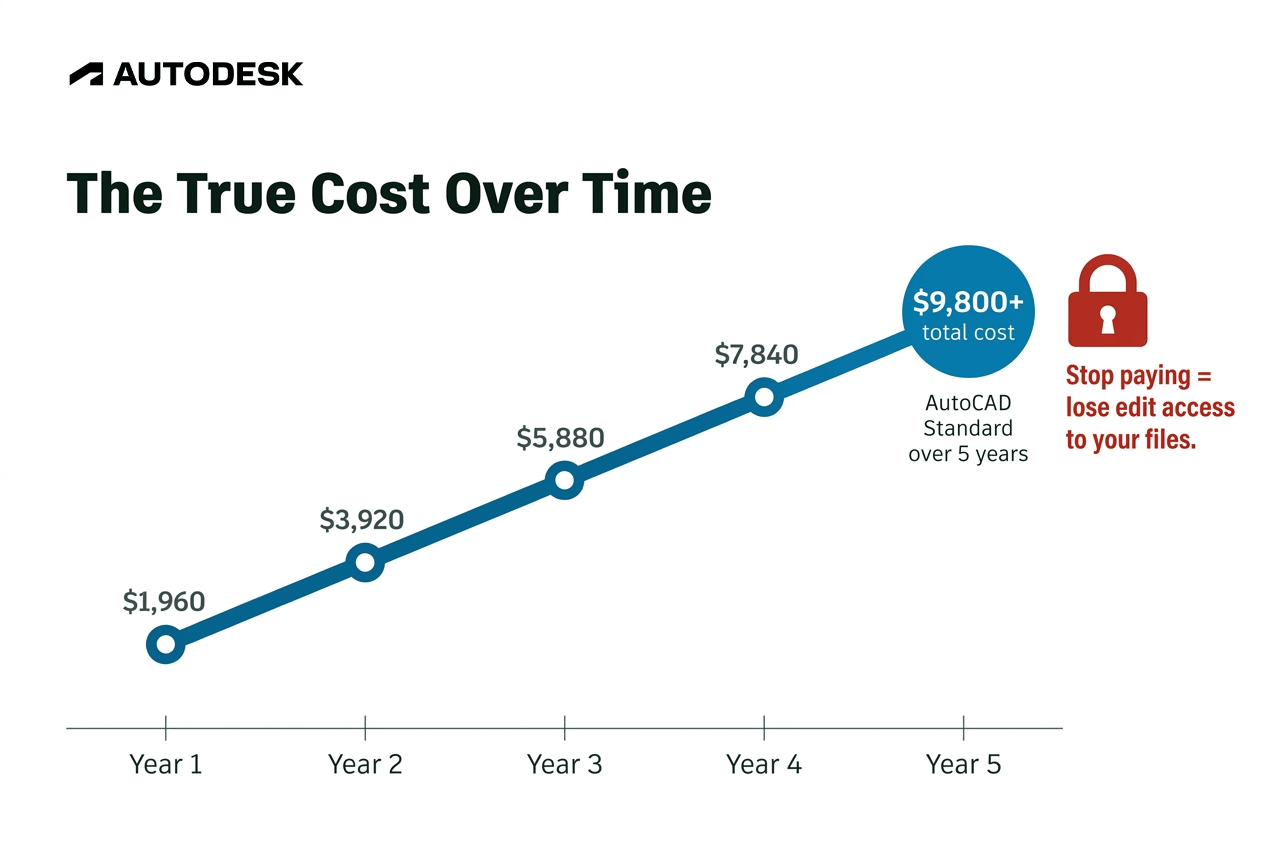
Run AutoCAD Standard for five years and you're looking at roughly $9,800, a number that can move higher over time since Autodesk has adjusted pricing more than once since the subscription shift. Factor in training time and the hardware upgrades some of these programs call for, and the real cost of ownership stretches beyond the subscription line item alone. One thing worth planning around: access to older files is tied to an active subscription, so budgeting for Autodesk works best as an ongoing line item rather than a one-time purchase. For studios and professionals who treat it that way, it's a predictable cost of doing business rather than a surprise.
Operational Strengths
Not all bad news, to be fair. There's a reason this company sits where it sits.
Industry Standard Status
The .dwg and .rvt file formats aren't just Autodesk's formats, they are basically the industry's formats. Send a contractor or client a file in one of these and it opens cleanly, no conversion headaches, no formatting drift. That alone keeps a lot of professionals locked in, not because they love the pricing, but because switching creates friction nobody wants to deal with mid-project.
Ecosystem & Workflow Integration
Autodesk covers architecture, manufacturing, and media production under one roof, and that breadth is genuinely rare. Autodesk Fusion and Inventor tie CAD straight into CAM and simulation without exporting to a third tool. For someone juggling design and manufacturing in the same workflow, that integration saves real time, hours, sometimes days, depending on the project.
Critical Limitations
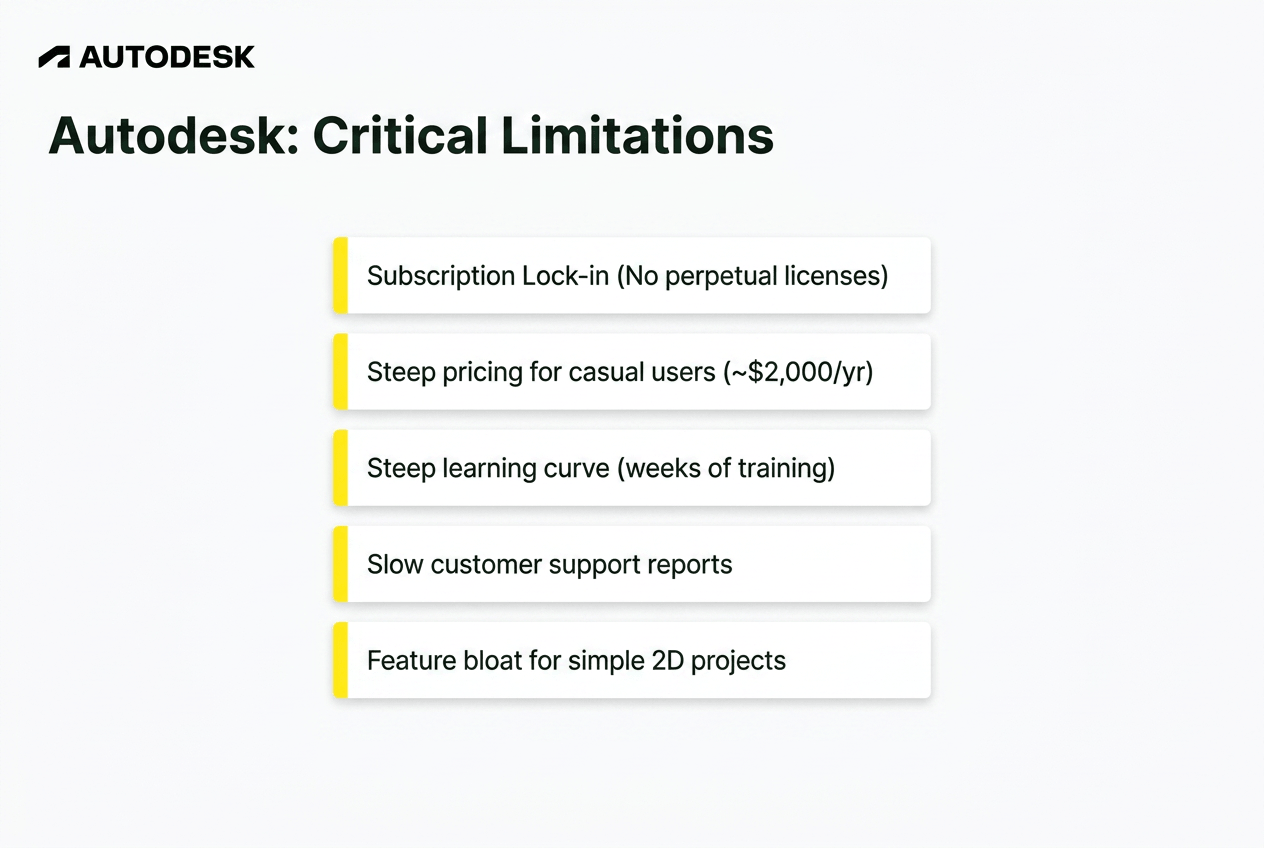
Strength on one side means friction somewhere else, and Autodesk's got plenty worth knowing about before you commit.
The subscription lock-in: No perpetual licenses since 2016. Stop paying, lose edit access, even on projects you built years ago.
Steep pricing for casual users: Around $2,000 a year for AutoCAD means someone using it twice a month pays the exact same rate as someone using it every single day.
Learning curve: Weeks, sometimes months, of structured training before most people feel comfortable. Self-taught users tend to hit a wall without courses or cert prep backing them up.
Customer support complaints: Response times run slow according to a lot of recurring user reports, and faster help tends to get reserved for the pricier plans.
Feature bloat for simple projects: Basic 2D drafting or simple 3D work can feel buried under an interface built for far more complex jobs than yours.
How Autodesk Compares
Compare Autodesk Fusion Pricing
| Software | Cost | Best For | File Compatibility | Learning Curve |
|---|---|---|---|---|
| Autodesk (AutoCAD/Fusion) | $545–$2,640/yr | Professional, industry-standard workflows | Native .dwg/.rvt | Steep |
| Blender | Free | Budget 3D artists, animators | Imports most formats, some fidelity loss | Steep, community-taught |
| SolidWorks | Comparable to Autodesk | Mechanical engineers, manufacturing | Strong in mechanical CAD | Steep |
| FreeCAD | Free | Hobbyists, parametric modeling on a budget | Improving, not perfect | Moderate |
| SketchUp | Lower cost | Architectural visualization, concept work | Good for early-stage design | Gentle |
No single winner here. Blender's the obvious pick if you are an animator watching every dollar. SolidWorks holds its ground for mechanical engineers already inside manufacturing pipelines. FreeCAD works if you want parametric modeling without paying for it, you just trade off some polish. It really comes down to what you are actually doing with the software, not which one has the biggest reputation.
Final Verdict
Who Should Subscribe
Professionals whose income depends on file compatibility and client collaboration, architects, engineers, manufacturers, and just as much freelance drafters, independent designers, and small studios that need their files to open cleanly on a client's system, basically anyone who can't afford friction with a contractor's file format. For that group, the subscription isn't optional spending, it's closer to a cost of staying employable.
Who It Is Ideal For
Not only professionals, but even for the hobbyists, AutoDesk is a critical value addition. If you open the software once or twice a month, a full yearly plan is more than you need. FLEX TOKENS fix that. You buy a small pack of tokens, starting at 33 tokens for $99, and only spend them on the days you open a product. AutoCAD costs 7 tokens a day, about $21. Tokens last one year. Students can also use the free educational license for non-commercial work, and Autodesk Fusion's free personal tier covers simple projects.
Is Autodesk worth your money? If your work depends on it, yes, without much debate. If it doesn't, there's a good chance you are paying for power you'll never use.
Start a FreeAutodesk Fusion Trial
FAQ
Is Autodesk free for personal use?
Sort of. Autodesk Fusion has a free personal tier, but it caps you at 10 active documents and drops rapid prototyping tools.
Can I cancel Autodesk anytime?
Yes, but canceling means losing edit access to your files, even old ones, until you resubscribe.
What's the difference between AutoCAD and Revit?
AutoCAD handles drafting. Revit handles full building information modeling. Different jobs entirely, despite the confusion.
Is Blender a viable replacement for Maya?
For a lot of independent animators, yes. Studios running established industry pipelines tend to stick with Maya regardless.
Do employers require Autodesk certifications?
Not always required, but they carry real weight in hiring and in contract bidding within AEC and manufacturing fields.