I don’t own a fax machine.
And in 2026, I imagine plenty of people can say exactly the same thing.
But that doesn’t necessarily mean faxing has disappeared. There are still situations where a healthcare provider, financial institution, legal office, government agency or another organization may ask for documents to be sent or received by fax.
That creates a surprisingly modern problem:
What happens when I need to fax something but have absolutely no reason to keep a fax machine sitting at home?
That is where eFax starts to make sense.
Rather than requiring a physical machine, dedicated phone line, paper or toner, eFax turns faxing into an online service that can be accessed through email, a web account or a smartphone.
After looking through the regular eFax experience in 2026, what stood out to me wasn’t that the company has reinvented faxing.
It’s that eFax has removed much of the old setup surrounding it.
How eFax Brings Traditional Faxing Online
The fundamental idea behind eFax is straightforward.
I can have access to fax communication without having a traditional fax machine.
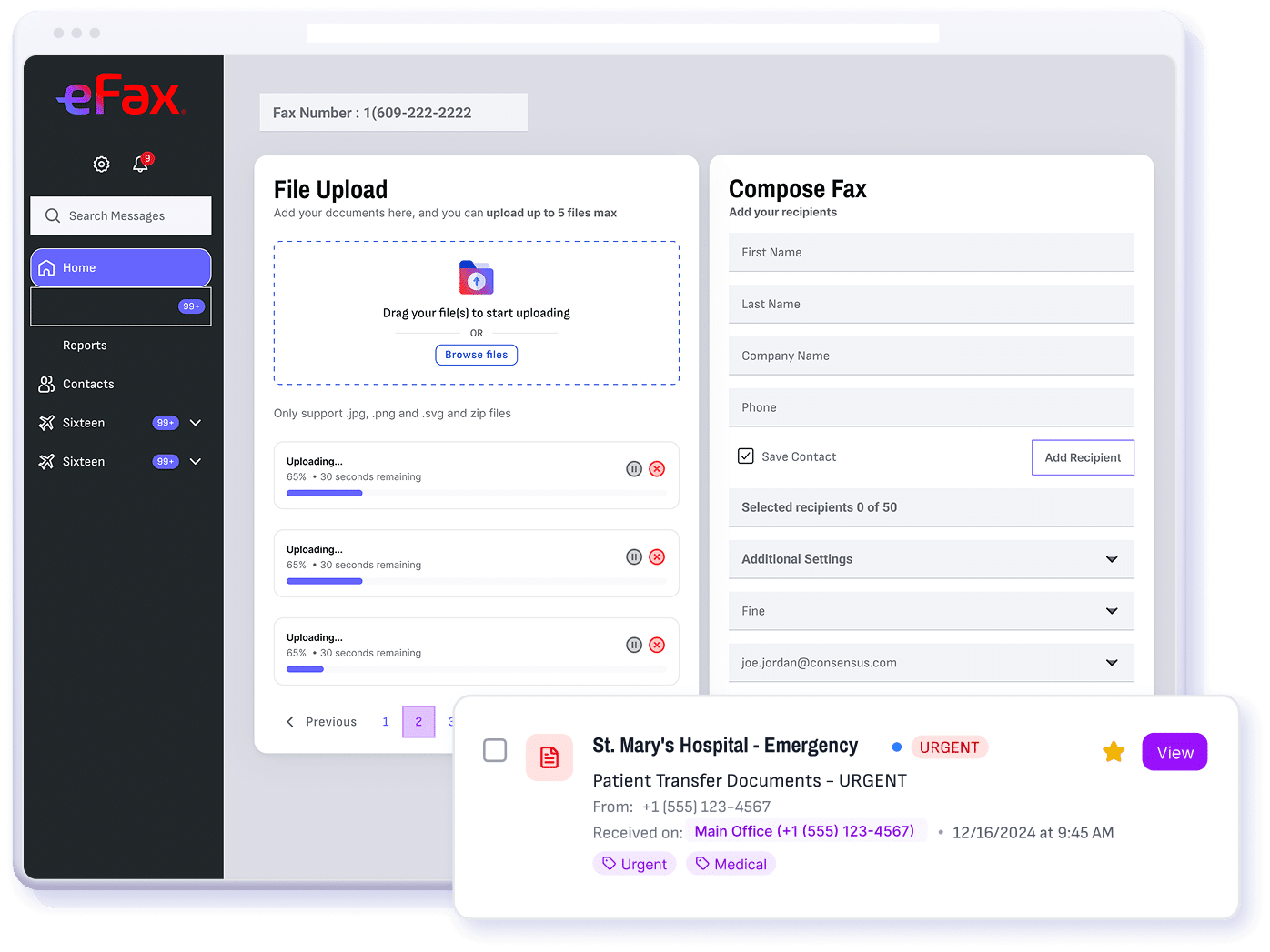
With eFax, users receive a fax number and can manage incoming and outgoing faxes digitally. Documents can be uploaded and sent through the service, while incoming faxes can arrive digitally instead of immediately being printed onto paper.
That changes the experience considerably.
I don't need to maintain a dedicated machine, keep toner available or connect another piece of equipment to a phone line.
And I’m not limited to faxing from one physical location.
For someone who only encounters faxing because another person or organization still requires it, that feels like a much more practical approach.
Sending and Receiving Faxes With eFax
One of the things I like about the regular eFax experience is that there are multiple ways to actually send a fax.
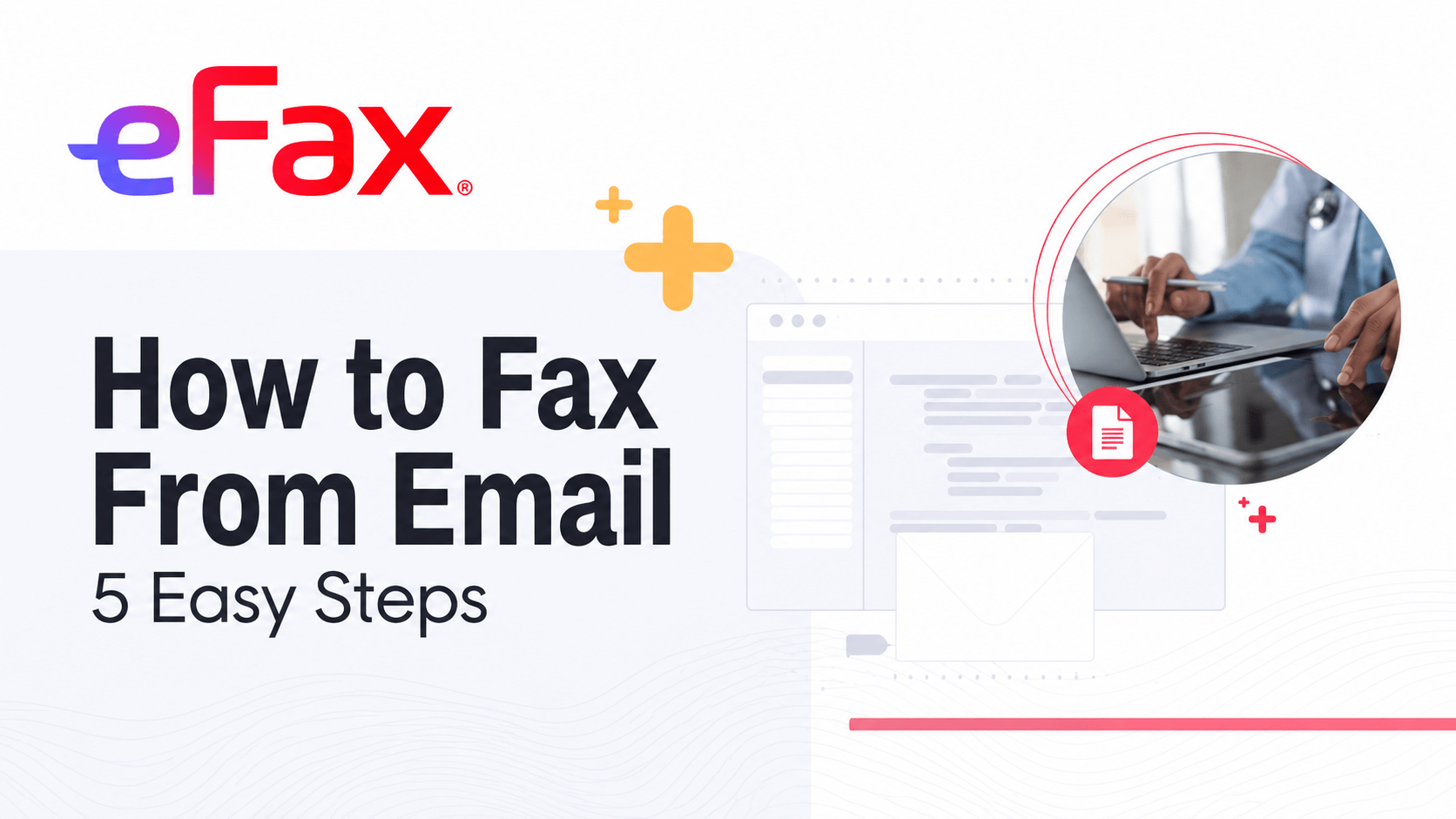
Users can send documents through their eFax account, but eFax also supports email-to-fax.
That means I can create an email, attach the document I want to send and use the recipient's fax number to route it through eFax.
The service then handles the process of converting and delivering the document as a fax.
Common document formats can be attached, including PDFs, images and Microsoft Office files, which means I don't necessarily need to print a digital document before sending it.
Incoming faxes work in the opposite direction.
Documents sent to my eFax number can be accessed digitally and can also be delivered through email.
For me, this is one of the clearest examples of what eFax is trying to accomplish.
The recipient can still receive a fax. I don't have to use a traditional fax machine to send it.
Using eFax Across Mobile Devices
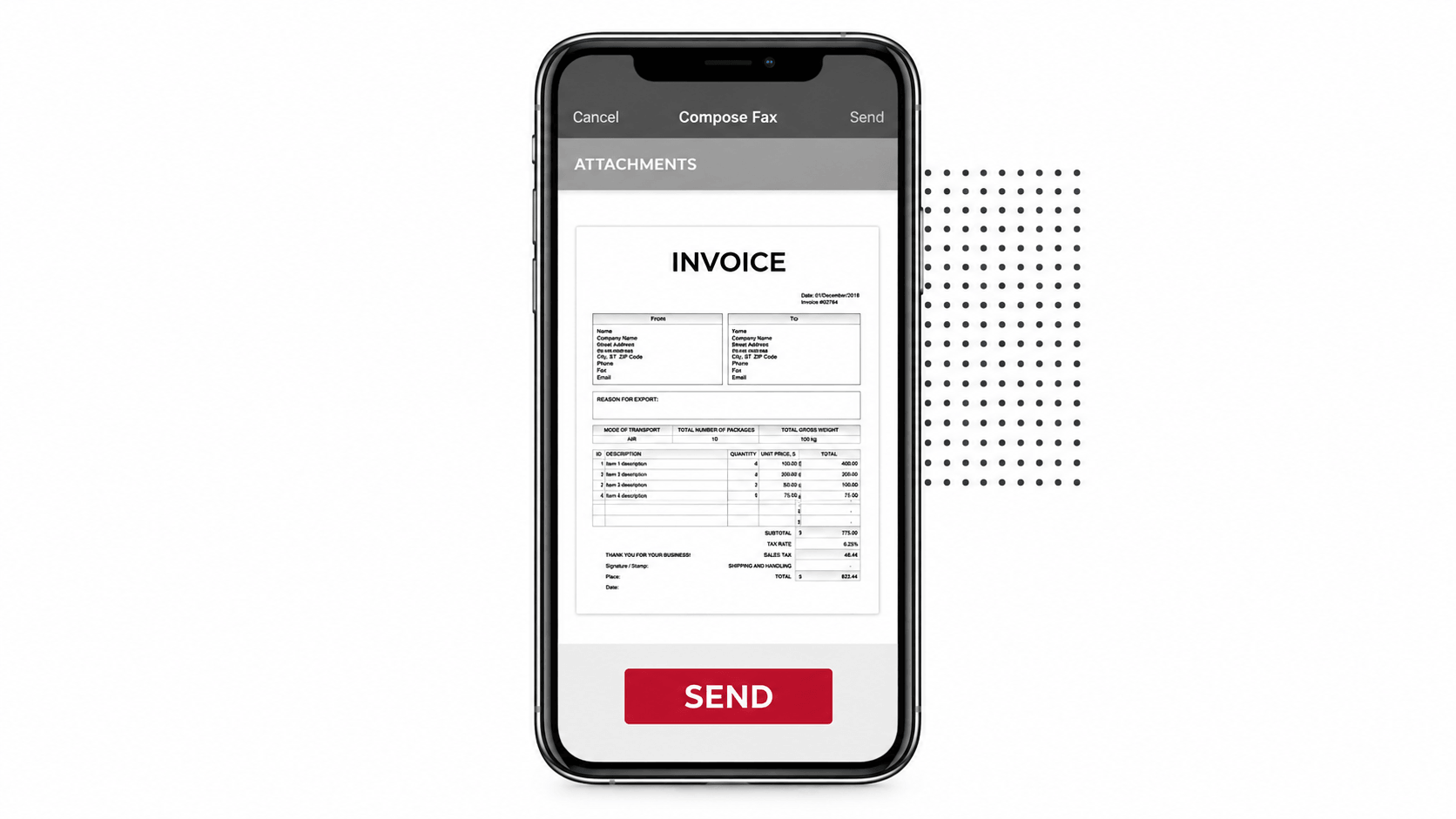
The mobile experience makes the difference between eFax and traditional faxing even clearer.
eFax offers mobile access through its apps for iOS and Android, allowing users to work with faxes from a smartphone or tablet.
That means I can send an existing digital document without needing to be sitting at a desktop computer.
If the document exists only on paper, the phone itself can also become part of the process. The eFax mobile experience allows users to capture physical documents using a device's camera and prepare them for faxing digitally.
Incoming faxes can also be accessed from the app.
For someone who doesn't fax frequently enough to justify dedicated equipment, I think this is one of the more practical aspects of the service.
The device I already carry can handle much of what once required a separate machine.
Digital Signatures and Document Management With eFax
Sending the fax is only one part of dealing with paperwork.
Sometimes the document also needs to be reviewed, completed or signed before it goes anywhere.
Traditionally, that could mean receiving a document, printing it, signing it, scanning it and then faxing it back.
eFax brings more of that process into a digital environment.
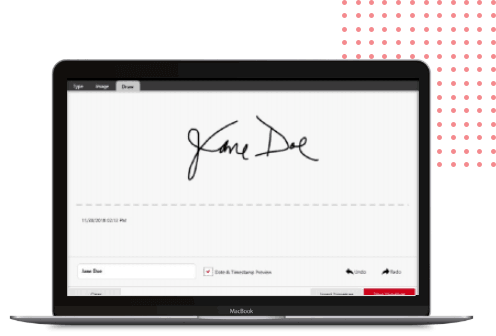
Its electronic signature functionality allows supported documents to be signed digitally rather than requiring every document to be printed and rescanned.
The mobile experience can also be used to add signatures while working with documents on a phone or tablet.
I think that matters because it demonstrates the bigger idea behind the regular eFax service.
It isn't simply replacing the fax machine. It is reducing some of the extra steps that traditionally came with using one.
How eFax Simplifies Digital Fax Storage and Access
Another major difference becomes apparent after a fax has been sent or received.
With a traditional machine, documents can quickly become physical paperwork that needs to be filed, stored and found again later.
eFax moves more of that process online.
Sent and received faxes can be accessed digitally through the eFax environment, giving users a more convenient way to return to documents without relying entirely on physical copies.
That can be particularly useful when a document needs to be referenced again.
Instead of wondering where I filed a piece of paper, I can return to the digital service and look for the fax there.
It makes the overall experience feel considerably closer to managing email or digital documents than operating traditional office equipment.
Security and Privacy Across the eFax Platform
Convenience isn't the only consideration when documents are moving online.
Faxes can contain personal, medical, financial, legal or other sensitive information, which makes security an important part of the service.
eFax incorporates encryption and secure online access into its platform, providing an alternative to documents simply arriving in the paper tray of a shared physical machine.
The company also offers solutions designed for use in environments with more specific compliance requirements.
Of course, using a particular technology provider doesn't automatically make every document workflow compliant with every regulation.
Users handling especially sensitive or regulated information should still understand the requirements that apply to their specific situation.
But from an everyday user perspective, I like the fact that eFax treats faxing as a digital document process, rather than simply recreating the physical fax-machine experience online.
Understanding the eFax Personal Offering
This is where the regular eFax offer becomes especially important.
eFax isn't only designed for large companies.
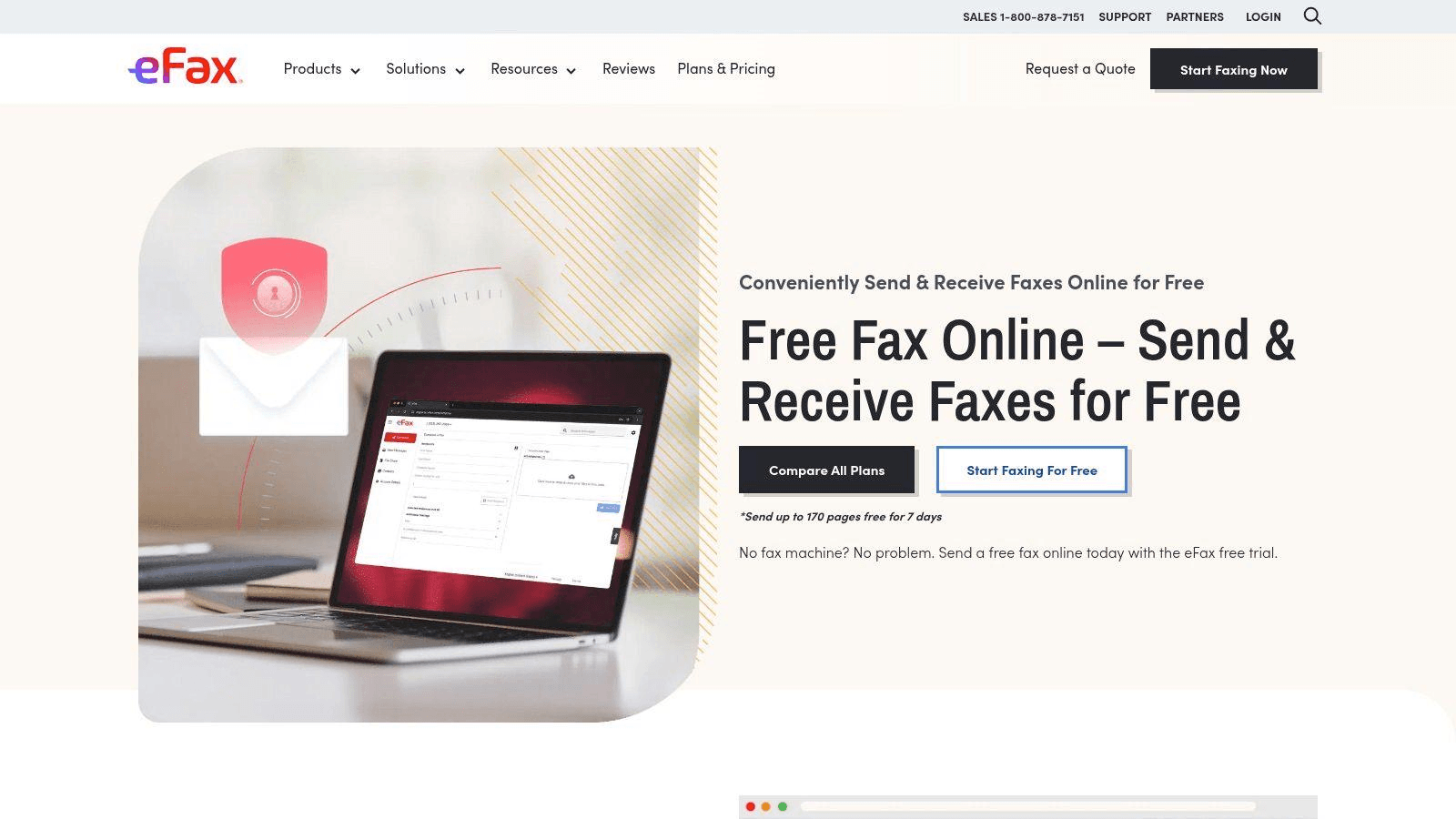
Its Personal offering provides a more straightforward option for individuals and smaller-scale users who need their own fax number and the ability to send and receive faxes digitally.
That makes this experience very different from the more advanced eFax Business and eFax Corporate offerings.
I don't need enterprise integrations, extensive administrative controls or a customized organization-wide deployment just because I occasionally need to fax a document.
The Personal option is about something much simpler:
Giving an individual access to faxing without requiring traditional fax infrastructure.
That distinction makes the broader eFax lineup easier to understand.
Someone with relatively straightforward faxing needs can start with the regular offering, while organizations with larger teams and more complex requirements have separate eFax solutions available to them.
Where eFax Fits Into Everyday Document Communications
The biggest question for me isn't whether faxing is modern.
It is whether there are still situations where I might be asked to use it.
And the answer can still be yes.
Healthcare paperwork, financial documents, legal forms and interactions with certain organizations can still create situations where fax remains an accepted or requested method of document exchange.
That doesn't mean everyone suddenly needs a fax subscription.
If faxing never appears in my personal or professional life, there may be little reason for me to maintain a fax service.
But when I do need to fax something, the alternatives aren't particularly appealing.
I could try to find a physical fax machine somewhere, buy equipment I rarely use, or find another service every time the requirement appears.
eFax offers another option.
I can keep the fax itself digital and access it through technology I'm already comfortable using.
Final Verdict: The Role of eFax in Modern Faxing
After looking through the regular eFax experience in 2026, I don't think the appeal is really about making faxing feel exciting again.
It's about making it less inconvenient.
eFax takes a communication method that can still appear in healthcare, finance, legal services and other document-heavy situations and removes much of the traditional equipment surrounding it.
I can send and receive faxes digitally, use email, access documents from my phone, work with electronic signatures and manage faxes online without keeping a traditional fax machine at home.
That won't be necessary for everyone.
If I never encounter a fax requirement, I probably don't need to introduce one into my life.
But if an organization does ask me to send a fax, eFax gives me a way to do it without going backwards technologically just to communicate with a system that still relies on fax.
And that is ultimately what makes the regular eFax offering relevant in 2026.
The fax hasn't completely disappeared. But with eFax, the old-school setup doesn't have to come with it.