
Who Is This Company, Really?
Network Solutions has been around for a long time. On its homepage it says it has more than 40 years in the industry, manages 5.4 million domains and calls itself the first domain registrar in the world. Those are the company's own claims, but the age is hard to miss.
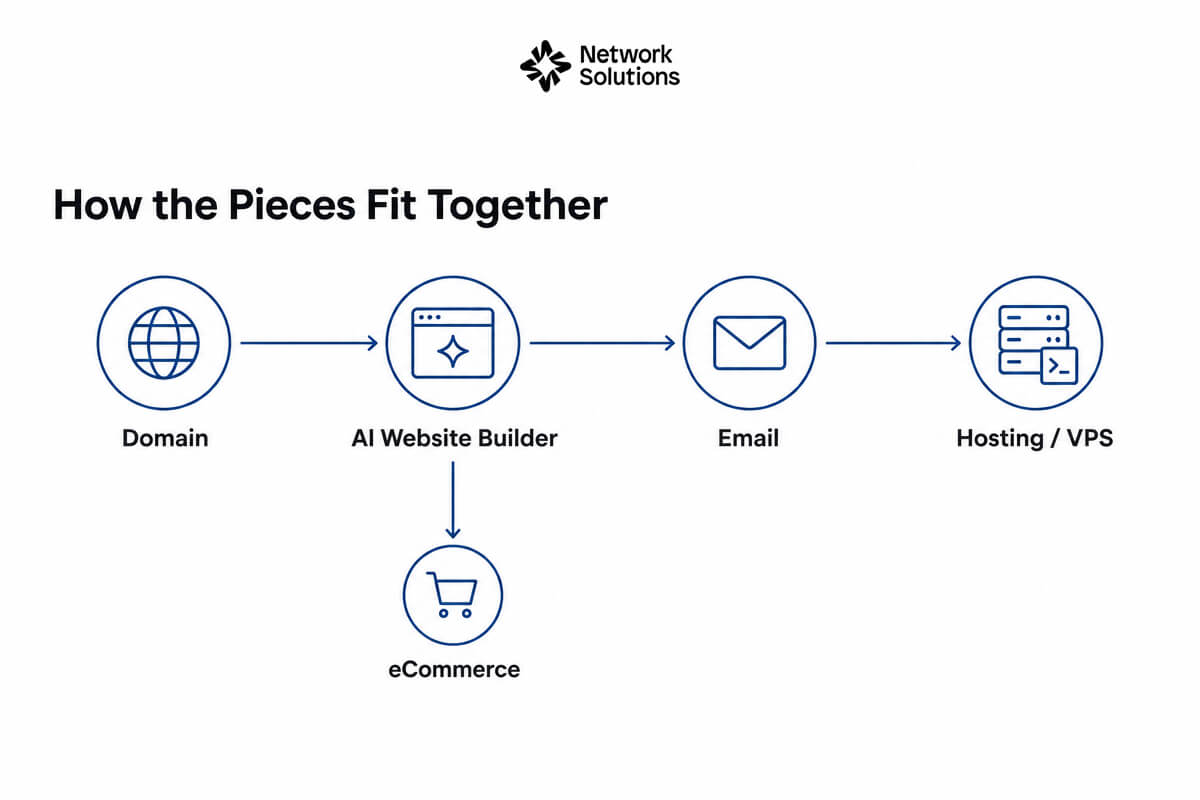
Today it sells more than names. You can buy a domain, build a site with an AI tool, rent hosting, set up email and add security, all in one account. This review sticks to four of its products.
Here is the honest pitch. If you want one company to handle the boring parts, this is the idea. One login, one place to renew, and one team to call. If you like to shop around for the cheapest piece of each, a bundle may not be for you.
Think of it as a hardware store for websites. You walk in with a goal, like getting a business online, and walk out with the pieces. The risk is buying more pieces than you need, so go in with a short list.
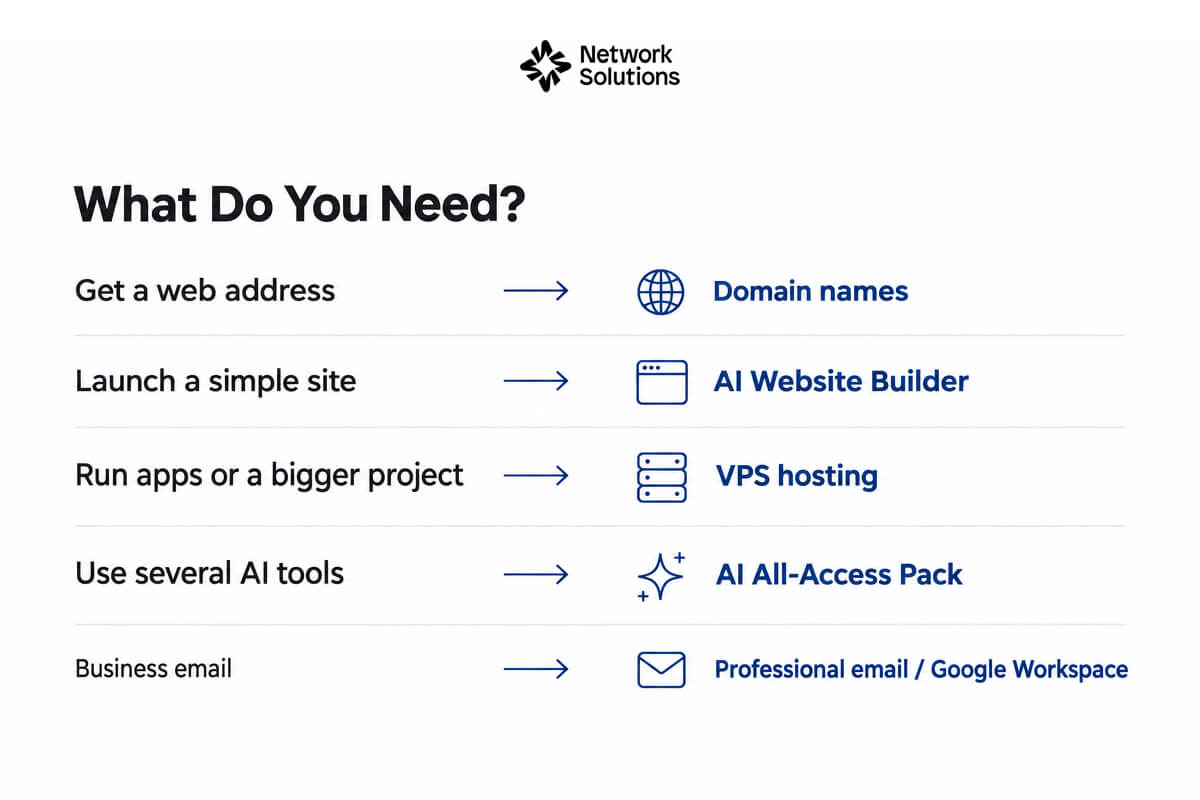
What Do You Need? Start Here
| If you want to... | Look at this |
|---|---|
| Get a web address for your business | Domain names |
| Launch a simple site fast | AI Website Builder |
| Run apps or a bigger project | VPS hosting |
| Use several AI tools on one bill | AI All-Access Pack |
| Look professional in email | Professional email or Google Workspace |
Domain Names: The Starting Point
1. Domain Names
Search for a name, and Network Solutions sells many extensions, including premium names and aftermarket names that someone else owns. Domains come with free tools such as a Coming Soon page, a logo builder and a link in the bio page, according to the homepage.
If you already own a domain elsewhere, you can transfer it. The company says many domain types get a one year extension on transfer.
Best For: Anyone starting a brand or moving a domain.
Building a Site Without Code
2. AI Website Builder
You answer a few quick questions and the AI builds a custom site in minutes. The page says you can drag and drop to edit it and get a free domain name when you sign up. There is also an eCommerce version for online stores.
An AI first draft saves time, but you still need to read every line before you publish.
Best For: Small business owners who want a site this week.
Try The AI Builder
Hosting That Can Grow With You
3. VPS Hosting
The homepage pushes AI assisted VPS hosting for growing businesses. You can choose a server option and add an operating system or app, such as n8n, OpenClaw or Claude Code. Network Solutions also lists WordPress hosting and standard hosting.
VPS hosting is for people who are comfortable managing a server. If that sounds scary, start with regular hosting instead.
Best For: Developers and growing businesses with custom needs.
The AI Bundle Nobody Expected
4. AI All-Access Pack
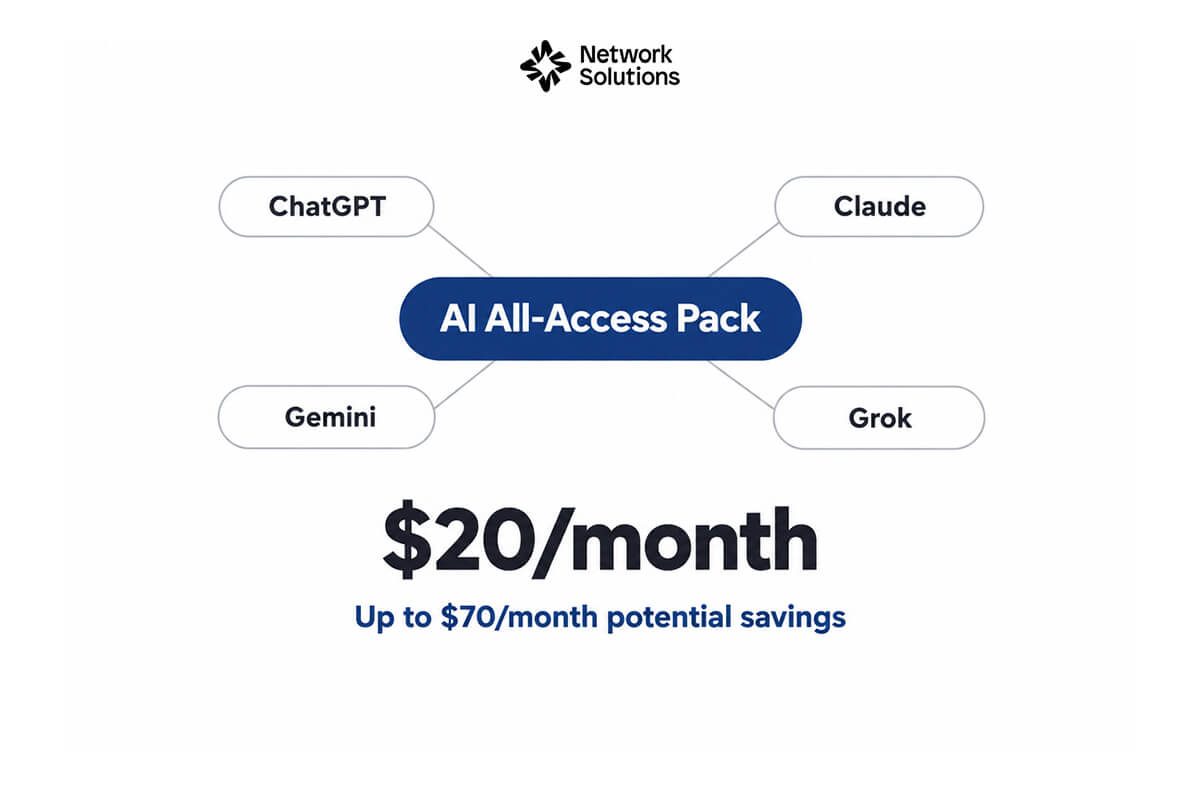
This one surprised us. For $20 a month, the pack includes ChatGPT, Claude, Gemini and Grok. The page says you can save up to $70 a month compared with buying them separately, and you get one login and one bill.
Check the plan terms, because limits for each tool may differ from the free or direct versions.
Best For: Small teams who want several AI tools without juggling accounts.
How Network Solutions Compares to the Big Names
| Category | Network Solutions | GoDaddy | Namecheap | Squarespace |
|---|---|---|---|---|
| Known for | Long history, domains plus services | Large registrar with hosting and builder | Budget friendly domains and hosting | Design focused website builder |
| Domains | Yes, including premium and aftermarket | Yes | Yes | Yes |
| Website builder | AI builder and eCommerce builder | Yes | Basic builder options | Core product |
| Hosting | Hosting, WordPress and VPS | Yes | Yes | Included with sites |
| Extras | Marketing services, SEO tools, AI pack | Marketing tools | Email and security add ons | Built in design tools |
Competitor details are general and change often, so check each company before you buy.
A Few Extras Worth Knowing
Network Solutions also lists security tools like SSL certificates and SiteLock, plus SEO tools and directory listings. It offers paid help too, with design, SEO and pay per click services from its in-house team.
Those are optional. Start small, then add only what your site needs. You can always add more later. A good first step is to search for a name, check the renewal price, and only then pick the builder or hosting plan that fits.
A Simple Order of Operations
If you are starting from zero, go in this order. First, pick and buy the domain. Second, build a basic site with the AI builder and read every page it writes. Third, set up an email address on your domain so your messages look professional. Only then think about hosting upgrades, security add ons or marketing help. Each step is small, and you can stop at any point if the basics already do the job for your business.
What to Watch Out For in Network Solutions
- Free domain offers usually have conditions, so read the terms.
- Renewal prices can differ from first year prices, so check them.
- The page shows a Trustpilot score of about 4.3 out of 5 from 16,719 reviews, so mixed experiences exist.
- Some tools, like VPS, need technical skill.
- Marketing services and professional design cost extra.
Frequently Asked Questions
Do I need technical skills?
Not for the website builder. The company says its builder and hosting packages are made for people without a tech background.
Can I get help?
Yes. Support is listed as available 24/7 by chat, and expert phone lines have set hours.
Can I transfer my domain?
Yes. The company lists domain transfer, with a one year extension on many domain types.
Does Network Solutions offer email?
Yes. It lists professional email and Google Workspace.
Is there a free trial or free tools?
The homepage lists free AI tools with a domain, such as a logo maker, a QR code generator and a business name generator. Check each tool page for details.
Can I sell products?
Yes. It lists an eCommerce website builder with a secure checkout.
Final Verdict
Network Solutions makes sense if you want your domain, site, hosting and email in one place with a long established brand. The AI builder is the easiest starting point, and the AI All-Access Pack is a fresh extra. Compare renewal costs before you commit.